
How to Issue Delivery Instruction (DI)
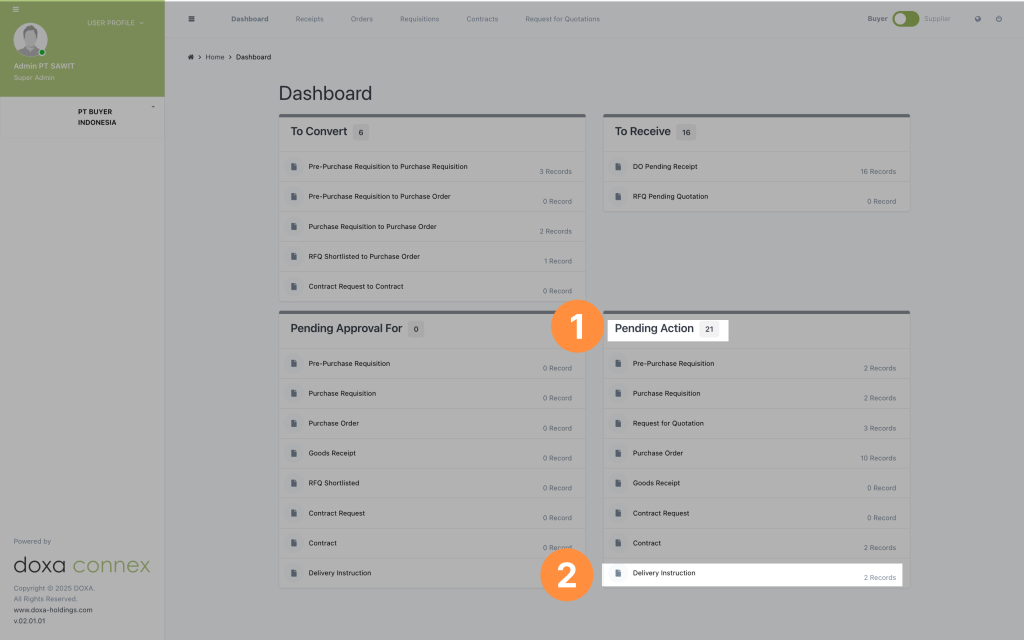
- Look for the Pending Action section in the dashboard
- Click on Delivery Instruction, you can see the number of records needed to be issued
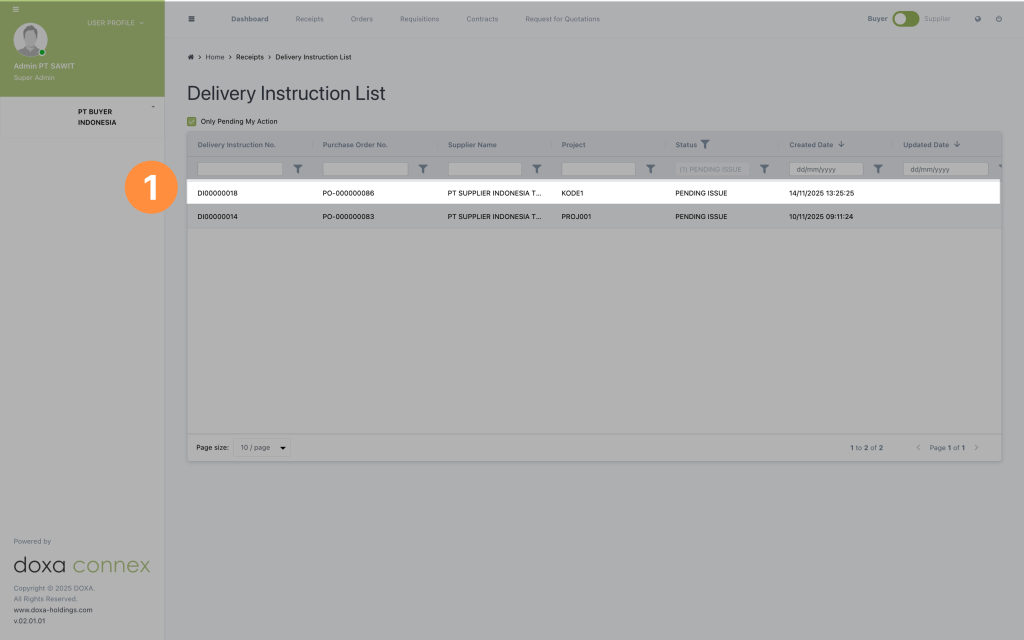
Delivery Instructions list will be automatically filtered for "PENDING ISSUE".
- Select the DI by double clicking the record
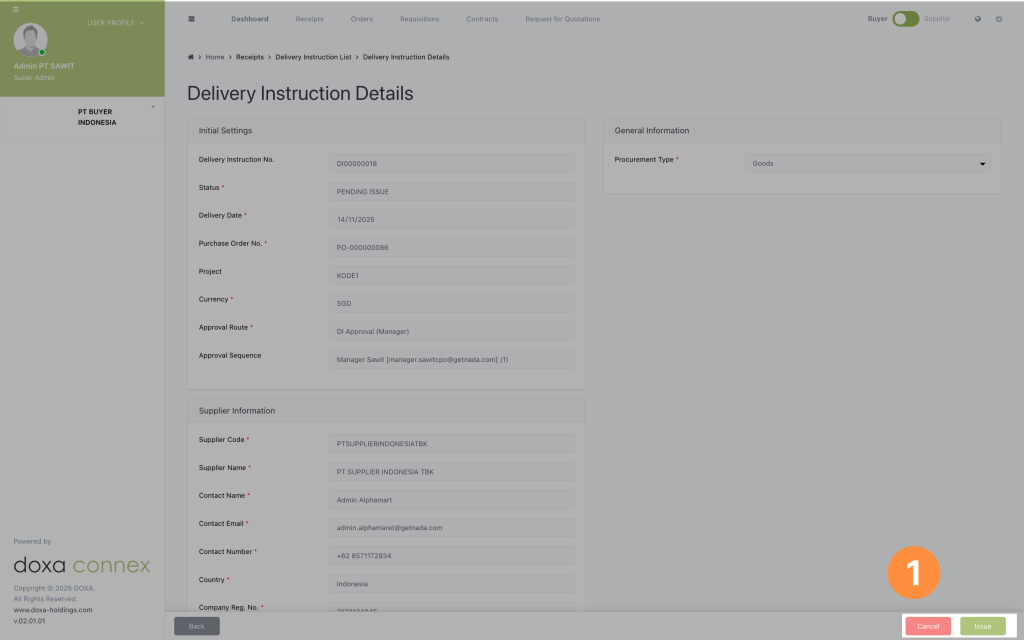
- Issue the DI by clicking the Issue button or cancel it if needed.
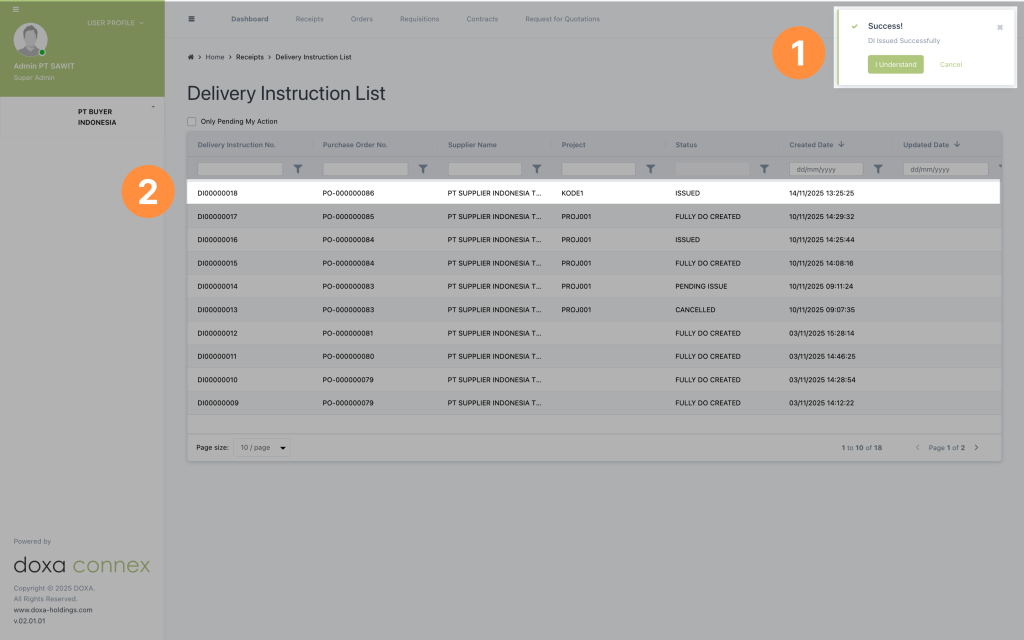
- A success pop up will be shown
- The issued DI will be updated in the delivery instructions list