How to Send Back Progress Claim
by neo360 | Dec 12, 2023 |
How to Send Back Progress Claim
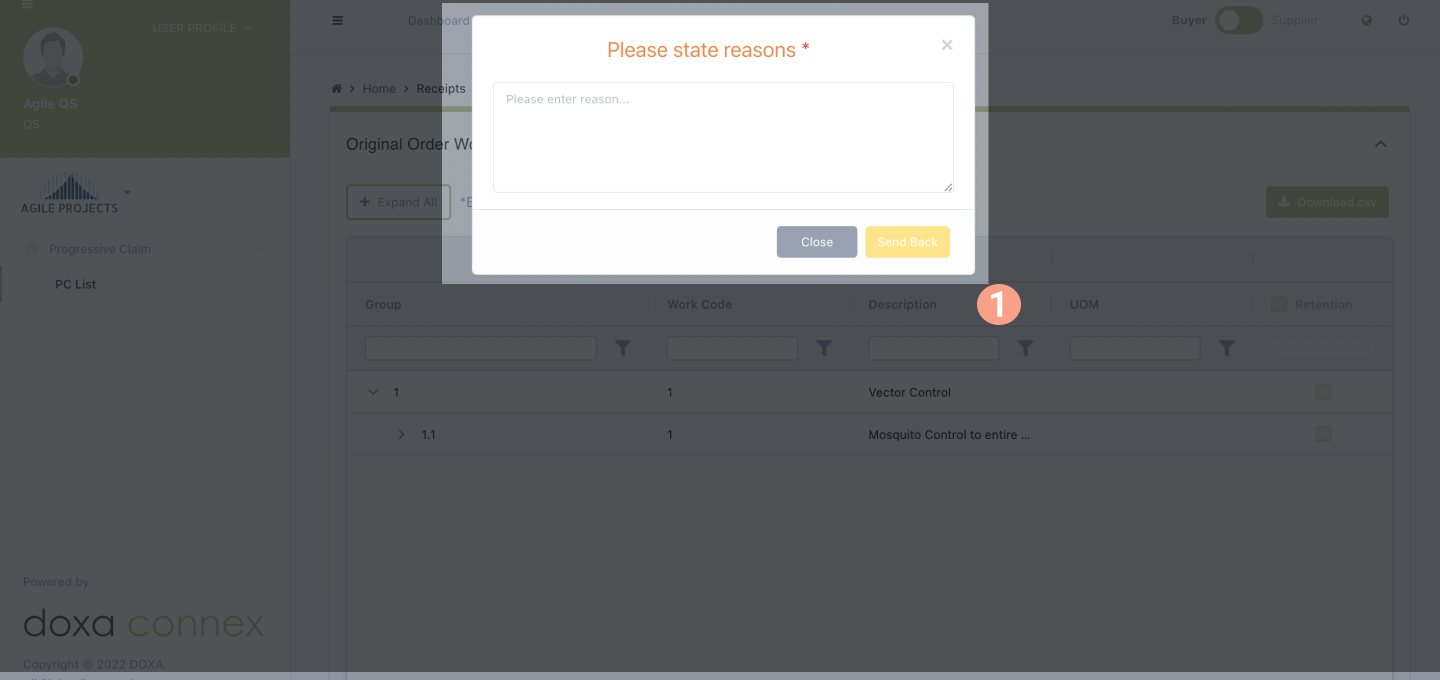
Click Receipts, Progressive Claim, then click on PC List. Select the PC in the “PENDING CLAIM ACKNOWLEDGEMENT” status.Click the "SEND BACK" button.Key in the reason for sending it back. Click the "SEND BACK" button.There will be a notification button to notify that the PC has been successfully sent back. User can click “I Understand” or “Cancel”. Date last updated:
August 29, 2022
.png)